F. AI System
AI Proactive Behaviour
Built-in behaviours that keep conversations helpful: a clarifying question when knowledge is thin, an optional email follow-up, and visitor guidance.
By aninditoUpdated 6 Nov 2026
Privas AI may add a short follow-up message after an answer when more context or guidance would help. This keeps conversations clear and productive. Visitors can ignore these messages and keep chatting normally.
Built-in behaviours
Clarify when the knowledge is thin
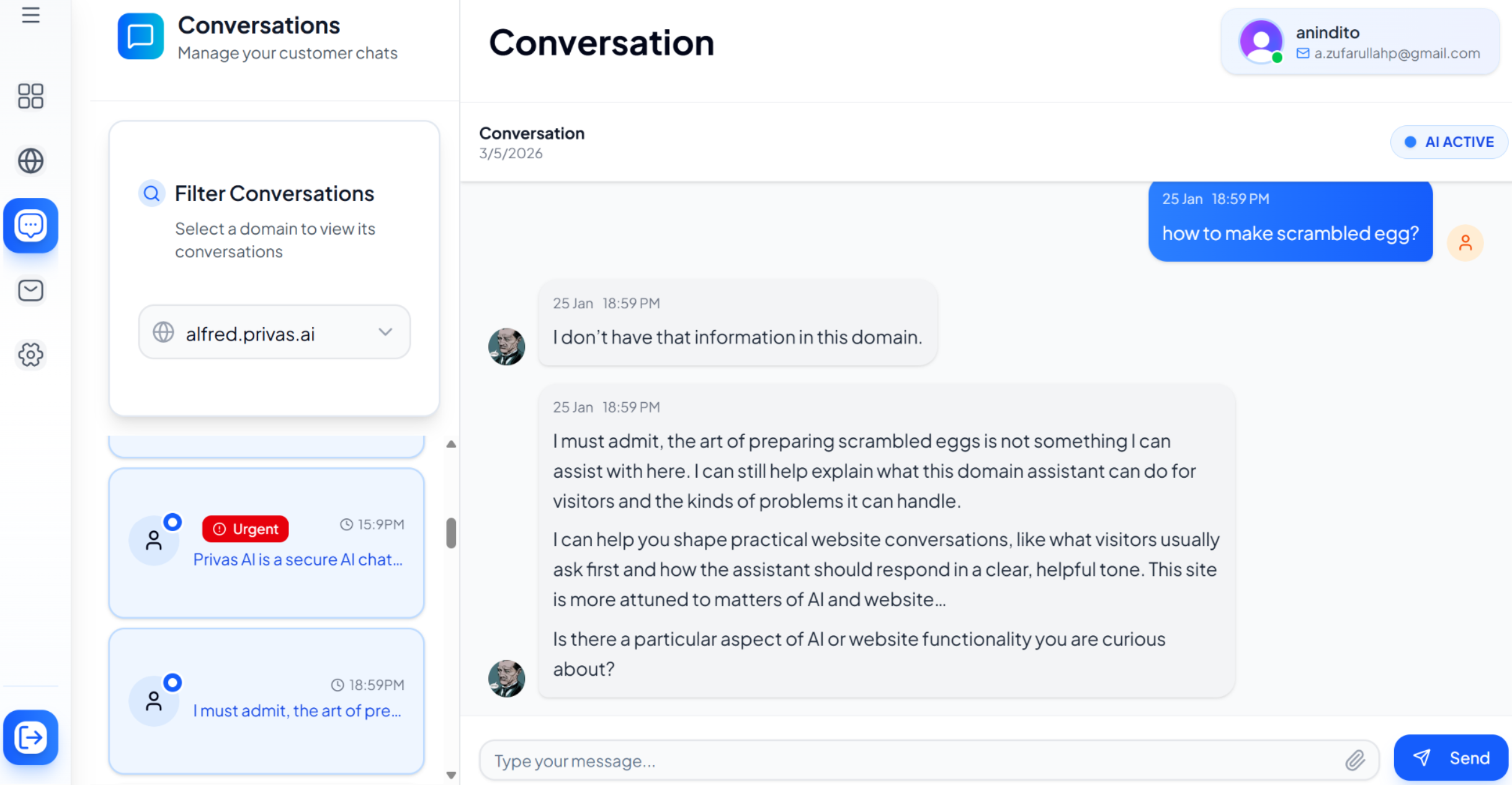
If the knowledge search finds nothing strong enough for a question, the assistant may follow up and ask the visitor to rephrase or narrow it down, instead of guessing. It stays quiet when the answer already came from your knowledge, so a clear answer is never followed by a contradicting question.
Questions about topics you do not want discussed at all are handled by the Scope Guardrail, not by this follow-up.
Offer an optional email follow-up
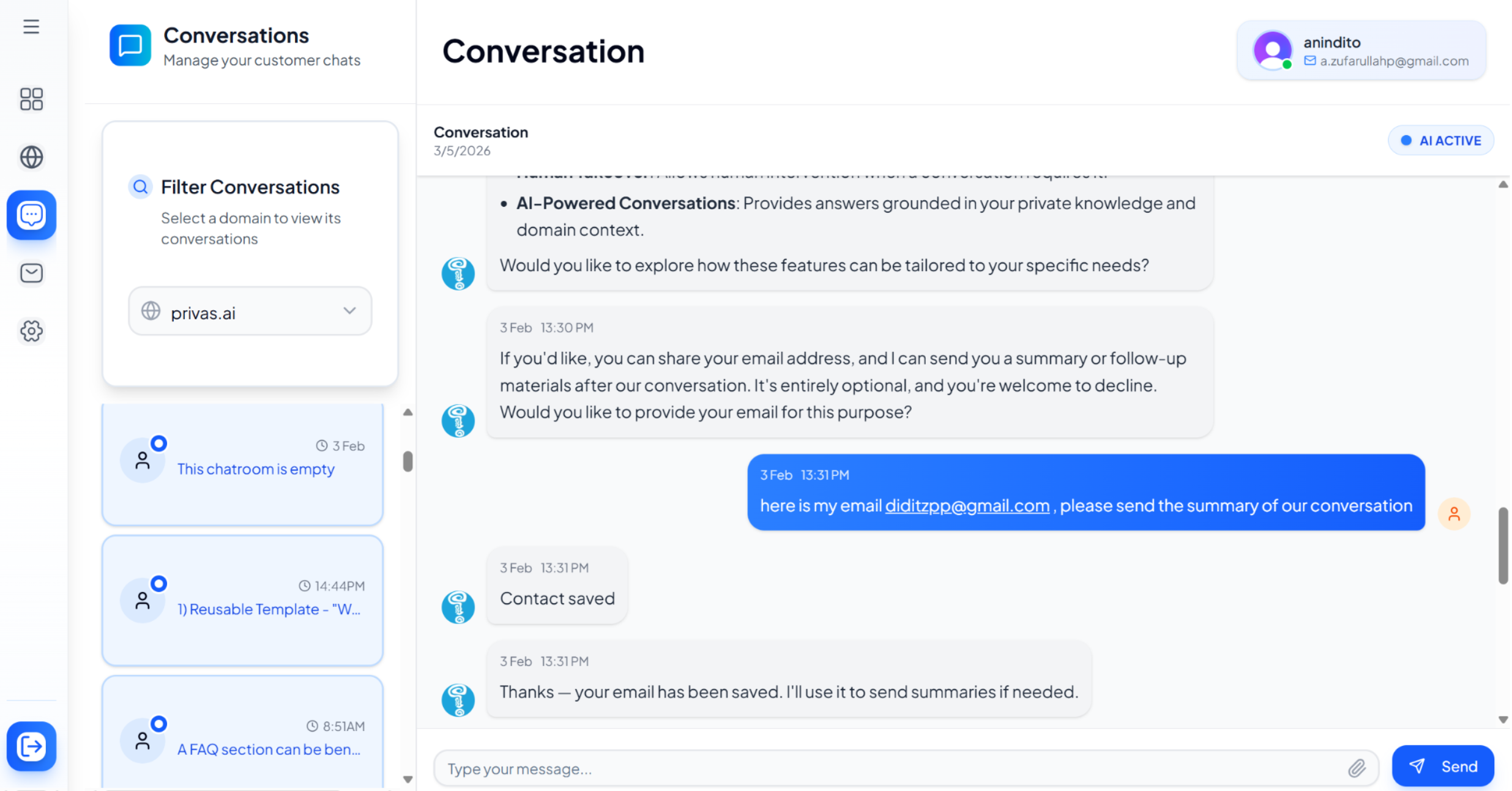
During longer conversations, the assistant may ask if the visitor would like to share their email, so it can send a summary or follow-up after the chat. Sharing is always optional.
Guide the visitor
The assistant may suggest what a visitor can ask, such as topics it can explain or common next steps, without interrupting the conversation.
When follow-ups stay quiet
No follow-up is added to an answer that came from live data through an MCP connector, so a generic suggestion never contradicts a live answer.
Turn a behaviour off
Each built-in behaviour can be switched off for one domain. Open your domain, then go to **Settings
Conversation > Proactive Rules**, and use the Active switch under Built-in assistant behaviors. Other domains keep the default. Only a domain admin can change it, and changes take effect within about a minute.
Going further with Proactive Rules
The behaviours above are built in. You can also define your own rules that show a component when a condition matches, for example a promo card when a visitor asks about pricing. See Proactive Rules.
Why this matters
Proactive behaviour improves the visitor experience: it prevents incorrect answers, guides visitors toward useful questions, and captures follow-up contact when appropriate. The assistant behaves less like a generic chatbot and more like a helpful representative.
Next step
To understand how the assistant retrieves information, continue to AI Knowledge Sources Explained.