
I. Integrations & Agent Access
MCP Connectors
Connect a tool server so your assistant can read live data during a conversation, such as prices, availability, or a quote, instead of static knowledge.
Updated 6 Sep 2026
An MCP connector lets your assistant call a live system during a conversation. Knowledge sources answer from content you added earlier; a connector answers from data that is current right now, such as a price, availability, or a calculated quote.
Where to configure it
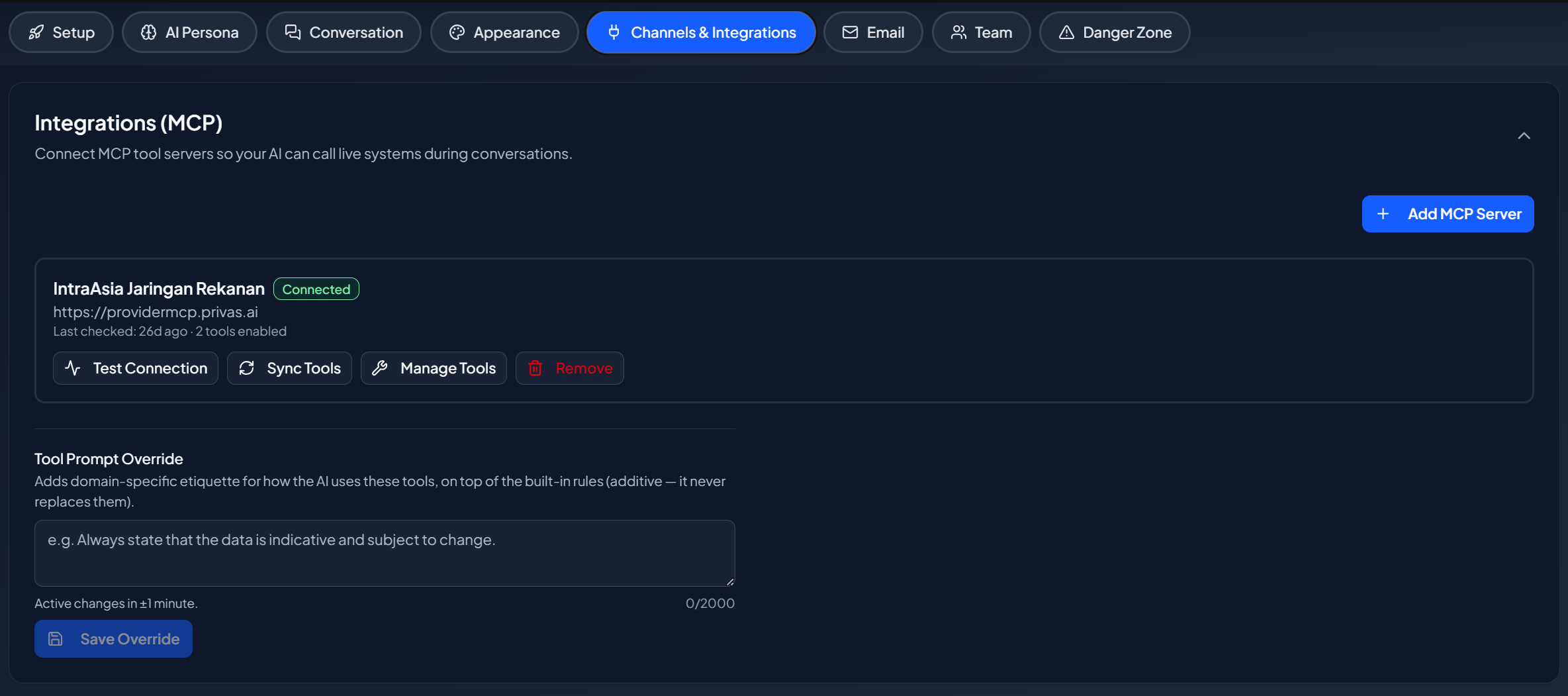
Open your domain, then go to Domain Settings > Channels & Integrations > Integrations (MCP).
When to use a connector
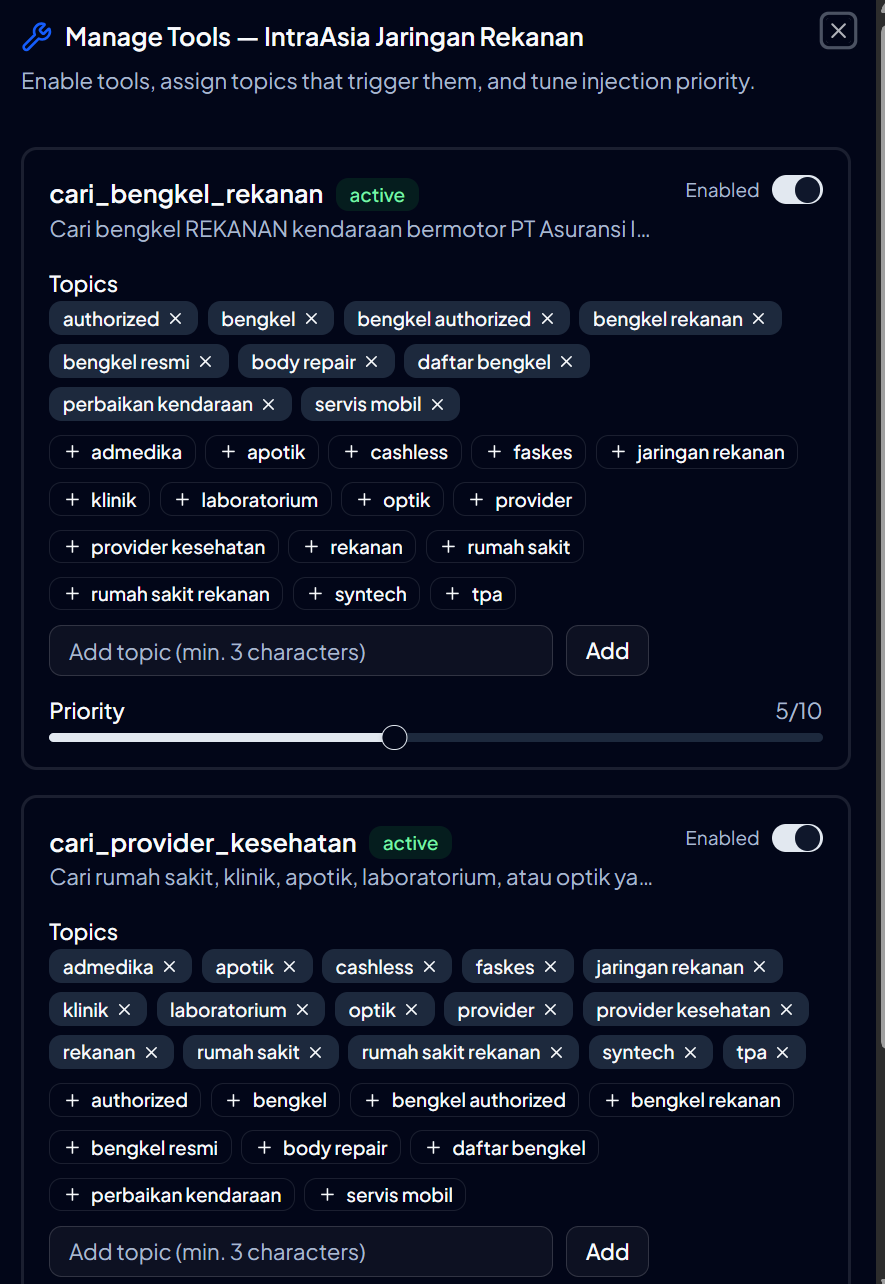
Use a connector when an answer depends on data that changes, or on a calculation your systems already perform. Examples:
- Look up current availability or stock.
- Return a live price or fee.
- Run a quote or estimate from your own system.
For information that does not change often, a knowledge source is simpler.
How it behaves in a conversation
When a question needs live data, the assistant calls the connected tool, receives the result, and uses it in the answer. The visitor sees a normal reply; the live lookup happens in the background.
An intentional exception to "only your knowledge"
Elsewhere in these docs, the assistant answers only from the knowledge you added. A connector is the one intentional exception: with a connector configured, the assistant can also read live data from the system you connected. No domain has a connector unless you set one up.
Next step
Continue to Page Actions to let the assistant act on the page a visitor is viewing.