B. Getting Started
Instant Onboarding
Start from just your website address. Privas AI builds a workspace, loads your content, drafts a persona, and hands you a preview link.
Updated 6 Sep 2026
Instant Onboarding is the fastest way to see your representative working. You give it your website address, and it prepares a first version automatically.
How to start
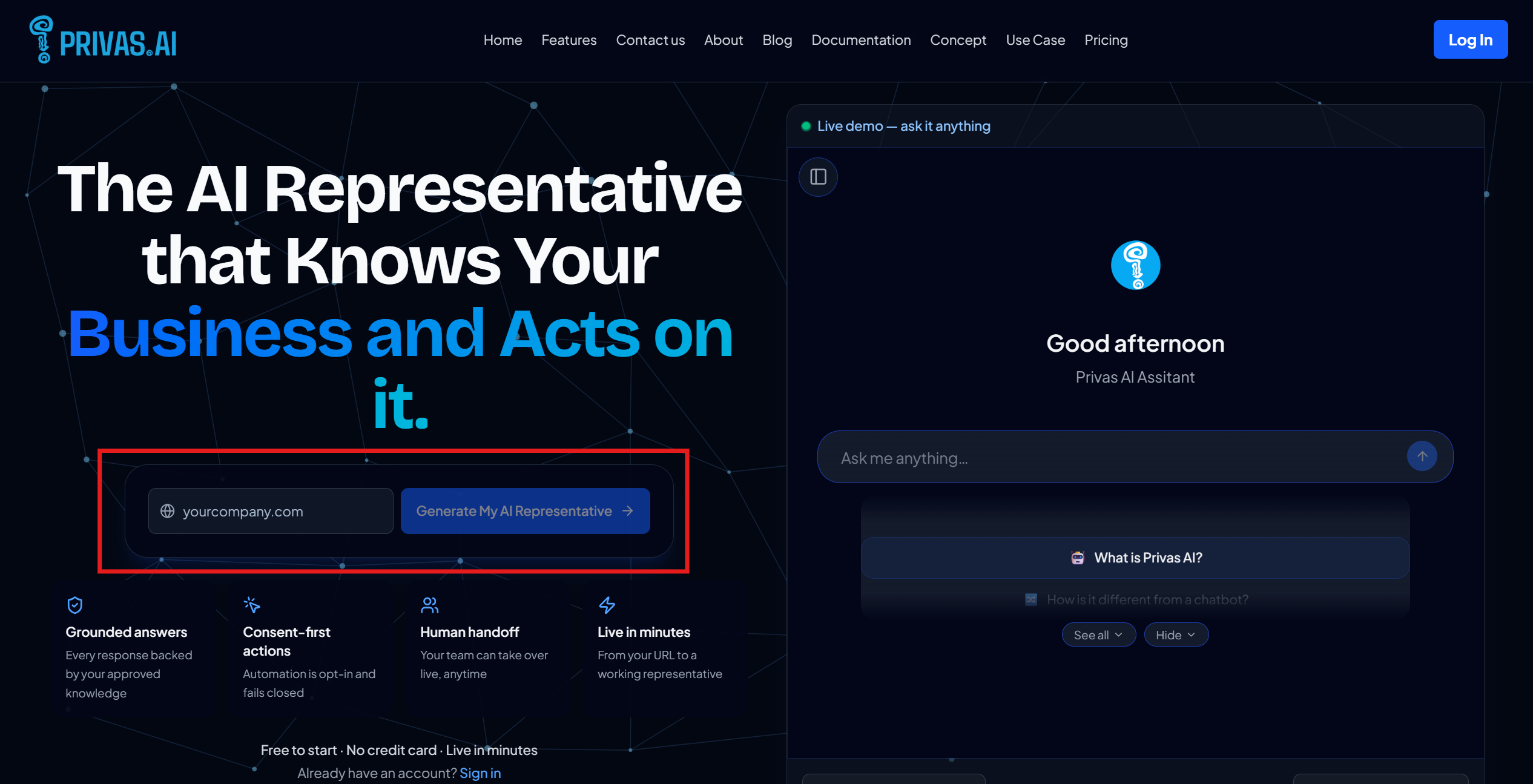
- On the Privas AI home page, enter your website address.
- Create your account when prompted.
- Watch the setup run.
What runs automatically
The setup moves through five steps:
- Setting up your AI workspace. Creates the domain that scopes everything your representative knows.
- Initializing the knowledge graph. Prepares the structure that stores and connects your content.
- Loading your website content. Reads your entry page and adds it as a first knowledge source.
- Personalizing your AI representative. Drafts an identity and tone based on what it found.
- Creating your preview link. Generates a private share link you can open right away.
What you have when it finishes
- A working domain with your first page of knowledge loaded.
- A drafted identity and greeting you can refine.
- A preview link to try the assistant as a visitor would.
What is still yours to do
Instant Onboarding gives you a starting point, not a finished representative:
- Knowledge is only your first page. Add the rest of your important pages, or import your whole site. See Add Knowledge Sources and Import a Whole Website.
- The persona is a draft. Review the identity and behaviour and adjust them to your brand.
- Nothing is public yet. The widget is installed only when you choose to.
Next step
Open your preview link and try a few questions, then continue to Add Knowledge Sources to make the assistant more complete.