
M. AI Call
What Visitors Experience
What a visitor sees and hears on a call: the call button, the short notice, talking and typing, contact details, silence, goodbye, and a person joining.
Updated 19 Nov 2026
This page follows a call from the visitor's side, on your share link and in your website widget.
Starting a call
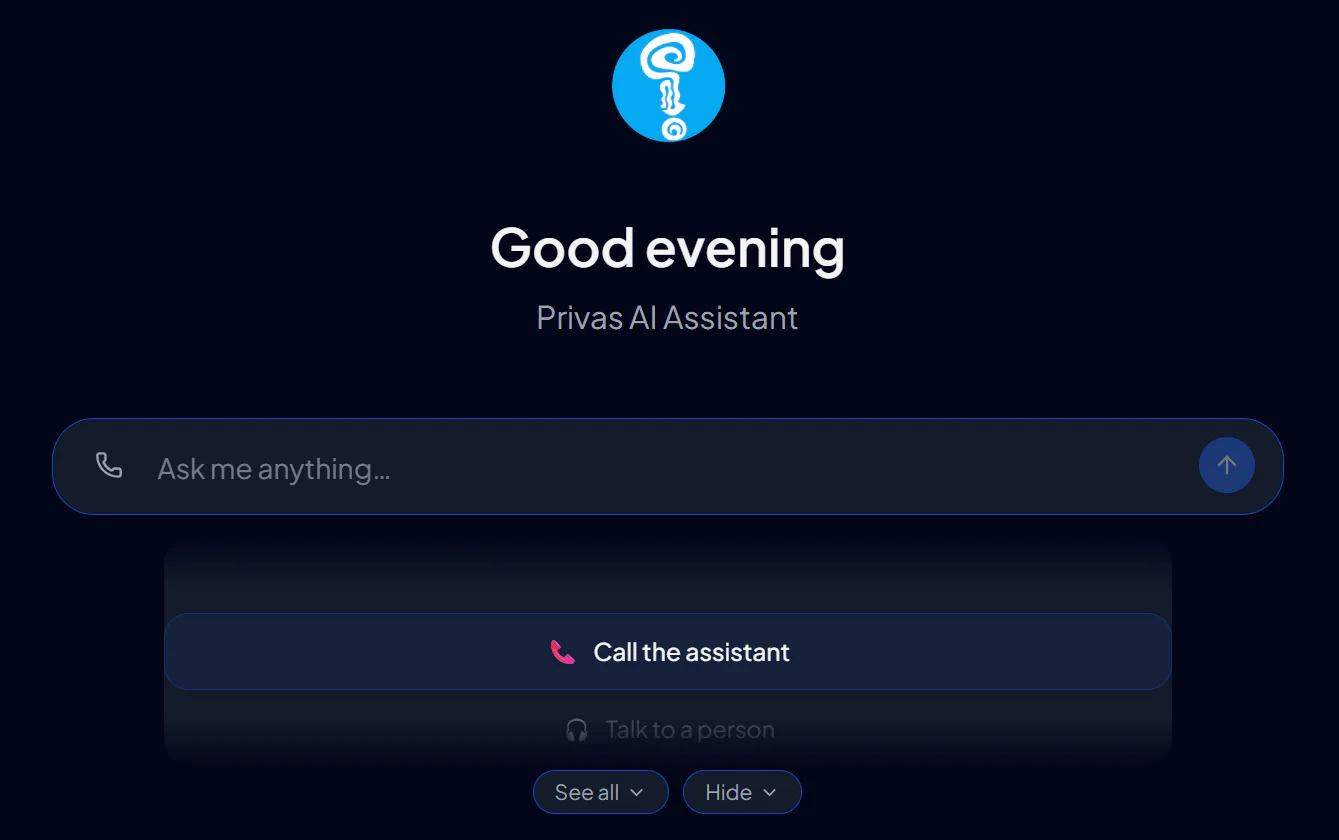
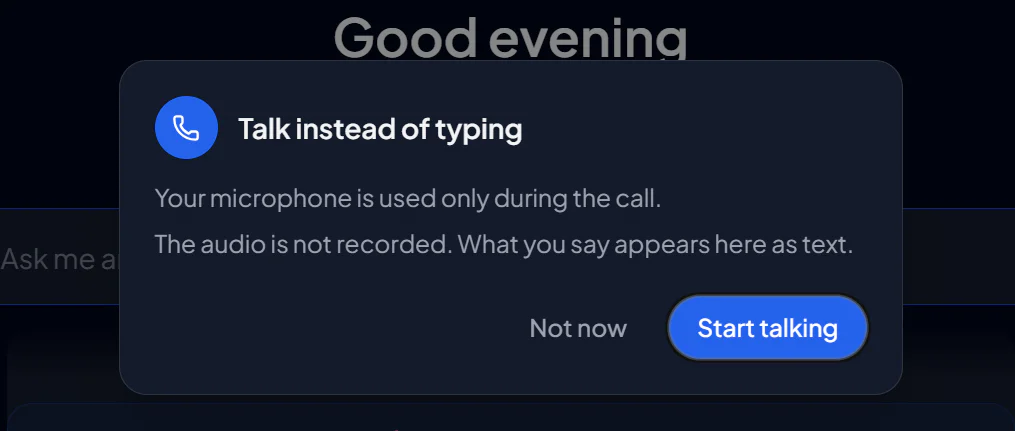
A call button sits at the left of the message box, and Call the assistant is the first suggestion on the wheel. The first time, the visitor reads a two-line notice, allows the microphone, and the call connects with your opening line.
During the call
- What the visitor says and what the assistant answers appear as text in the conversation.
- A bar replaces the message box. It shows when the assistant is listening, thinking or speaking, and has buttons to switch the microphone off and to end the call.
- The visitor can interrupt the assistant by speaking, and can still type in the bar.
- Cards and buttons still appear on the screen. The voice says when there is something to look at or to tap.
- On your website, the assistant can propose an action on the page, such as filling a form, when Page Actions are on. The visitor approves it with a tap, and the voice then says whether it was done.
Contact details are typed
An email address or a phone number is taken only when it is typed. If a visitor says one aloud, the assistant asks them to type it on the screen: one misheard letter would send mail to a stranger.
Silence, stop and goodbye
- Quiet for a while. After about eleven seconds of silence the assistant asks whether the visitor is still there. If nobody answers for about nine more seconds, it says goodbye and ends the call. It waits longer when it has just sent the visitor to the screen.
- "Stop" or "that's enough". The assistant says a short goodbye and ends the call. "Wait" and "hold on" only pause it; the call stays open.
- "Bye". The assistant answers with your closing line, or with its own goodbye, and ends the call.
- Calling again. A visitor who calls again in the same conversation is welcomed back instead of hearing the opening line again.
A visitor who speaks again while the assistant is saying goodbye keeps the call. One call lasts at most ten minutes.
A person joins
If someone from your team joins the conversation during a call, the voice tells the visitor that your team continues in the chat on their screen, and the call ends. See Live Chat — Request a Person.
In the website widget
- Closing the widget panel does not end the call. The chat button shows that a call is in progress, and the panel opens again by itself when there is something to see.
- If your website does not allow the microphone inside the widget, the widget offers to continue on your share link in a new tab, where the call works.
When the call button is missing
The button is not shown when AI Call is off for that place or the period's voice minutes are used. While a person from your team is answering, or in a browser that cannot make calls, a call does not start and the visitor is told why. The chat keeps working in every case.