
M. AI Call
Try a Call
Call your own assistant on your share link before visitors can, to hear its voice, its opening line and its answers exactly as a visitor will.
Updated 19 Nov 2026
You can call your own assistant before visitors can. Open your domain, go to Settings > AI Call, open Try a call and click Try a call.
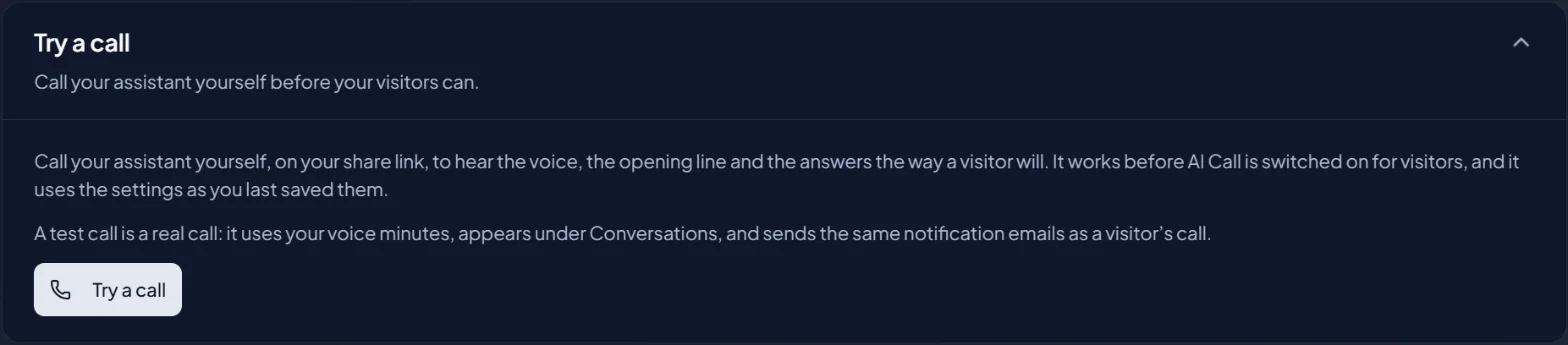
A new tab opens on your share link with the call ready to start. It works while both switches for visitors are still off, and it uses your settings as you last saved them.
A test call is a real call
It uses your voice minutes, appears under Conversations, and sends the same notification emails as a visitor's call.
The first time
Before your first test call you accept the same short notice as when you switch AI Call on. An Admin can accept it; an Editor is asked to ask one. Accepting it here lets you make test calls. It does not switch AI Call on for your visitors.