
J. Plans Limits & Billing
Upgrade & Cancel
Change your plan when your needs grow, and understand what happens at the end of a billing period when you upgrade, downgrade, or cancel.
Updated 6 Sep 2026
Change your plan from your account billing page. This page explains how upgrading, downgrading, and cancelling work.
Where to manage it
From the sidebar, open Settings > Billing.
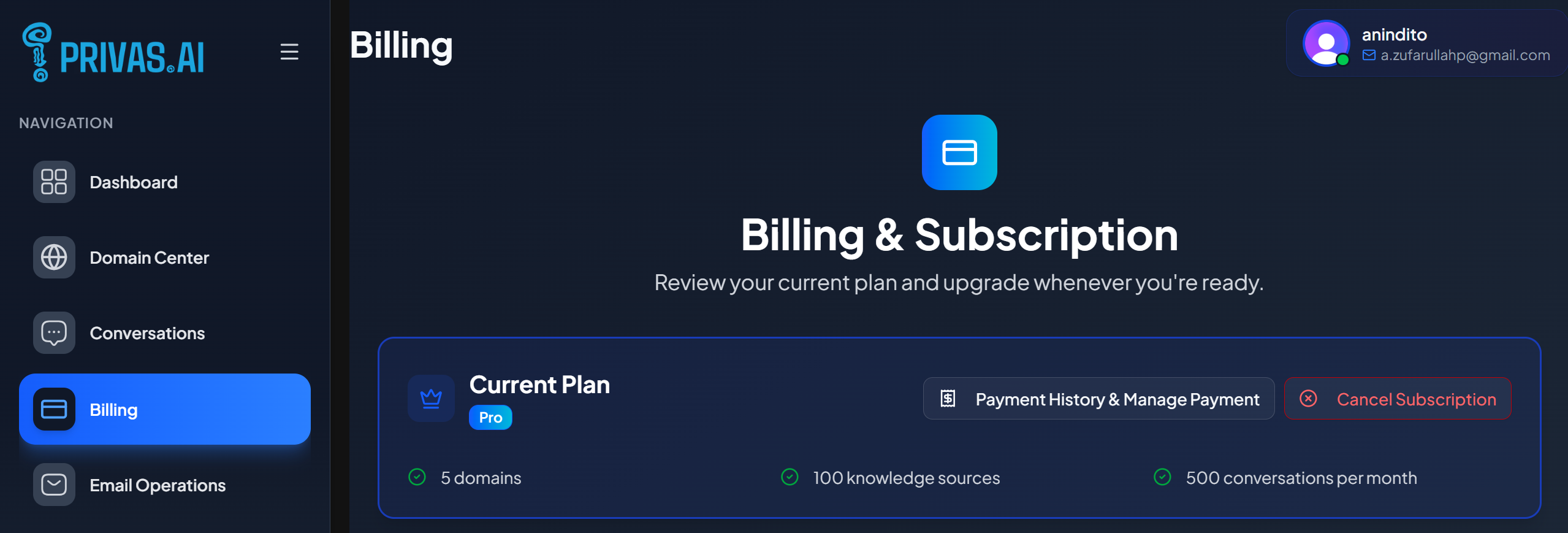
Upgrade
Choose a higher plan to raise your limits. Higher plans allow more domains, more knowledge sources per domain, larger content per source, and more conversations per month. See Plan Limits.
Cancel
When you cancel a paid plan, it is set to end at the close of your current billing period, so you keep your paid limits until then. After the period ends, your account moves to the Free plan.
What to check before downgrading
A lower plan has lower limits. Before moving down, make sure you are within the target plan's limits, for example the number of domains and knowledge sources, so nothing is over the limit after the change.
Billing periods
Paid plans renew on a monthly cycle. Your conversation count resets at the start of each period. If you cancel, the current period still runs to its end date.
Next step
For account-level options beyond billing, see Account Settings.