J. Plans Limits & Billing
Account Settings
The account-level area for your subscription, theme, and account actions, separate from the per-domain settings where you configure each assistant.
Updated 6 Sep 2026
Account settings hold options that apply to your whole account, not to a single representative.
Where to find it
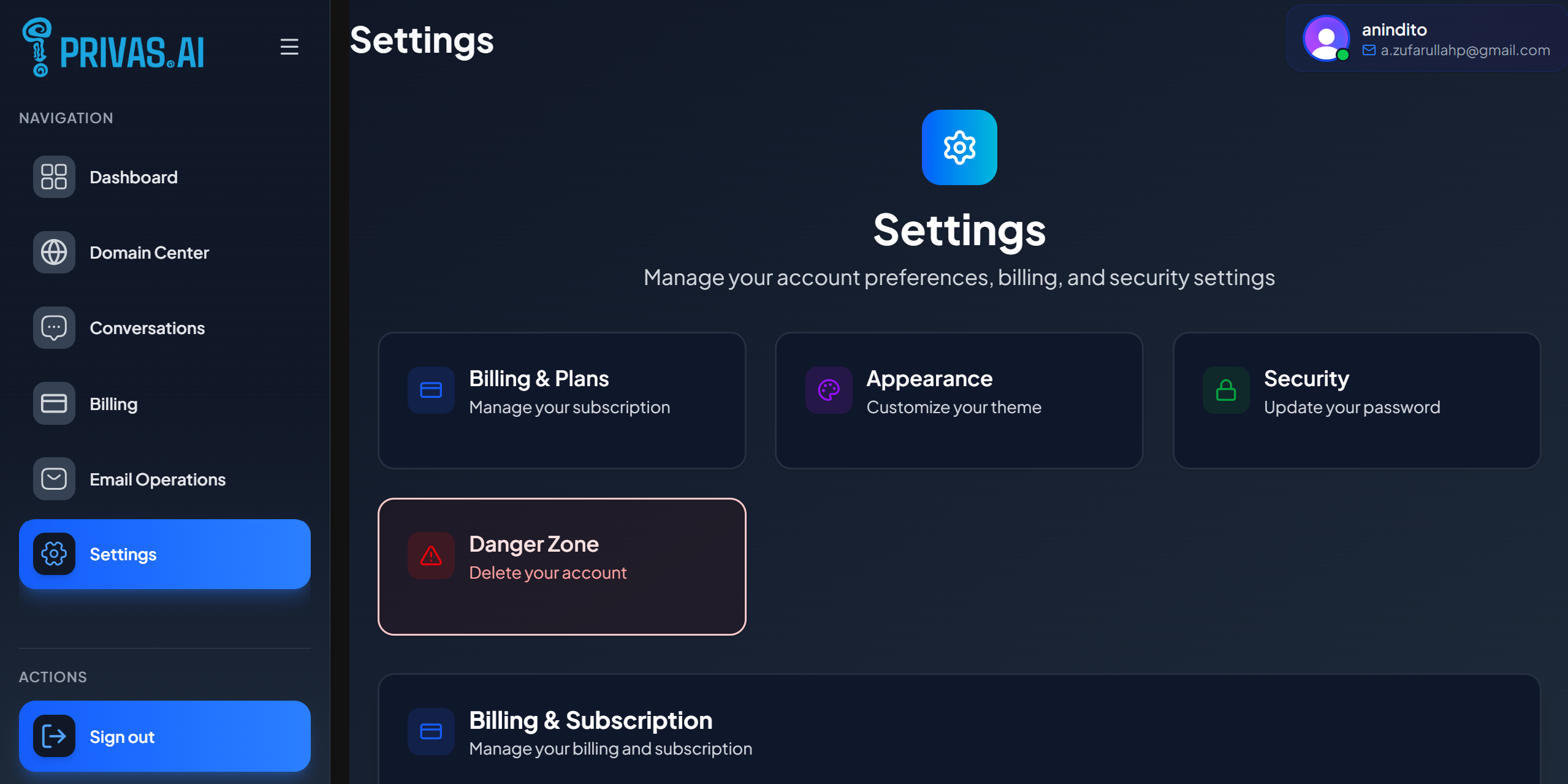
From the sidebar, open Settings.
What is here
- Billing. Your current plan and options to upgrade or cancel. See Upgrade & Cancel.
- Appearance. Your dashboard theme.
- Account actions. Managing your account, including deletion. See Delete a Domain or Account.
Account settings vs domain settings
This account area is different from a domain's own settings:
- Account settings apply to you and your subscription.
- Domain settings (opened from Domain Center) apply to one representative: its identity, behaviour, knowledge, appearance, and channels.
When a guide says "open your domain, then go to Settings", it means the domain settings, not this account area.
Next step
For how your data is stored and how deletion works, continue to Security & Data.